Does it install anything on my file servers?
No. Strata reads shares over SMB (and NFS exports through a read-only mount) from its own server, with a read-only account you give it. It never opens or changes your files, changes permissions only where you turn that on and approve a plan, and needs no agent, no file-system auditing and no database server.
What storage does it work with?
SMB shares are read directly over SMB 2 and 3: Windows file servers, Samba, and NAS appliances such as NetApp, PowerScale, Synology, QNAP and TrueNAS. NFS exports are scanned through a read-only mount on a Linux Strata server, and local paths directly. Amazon S3 is on the roadmap. If your storage misbehaves, tell us: we would rather fix it than lose you.
How much space does Strata's own data take?
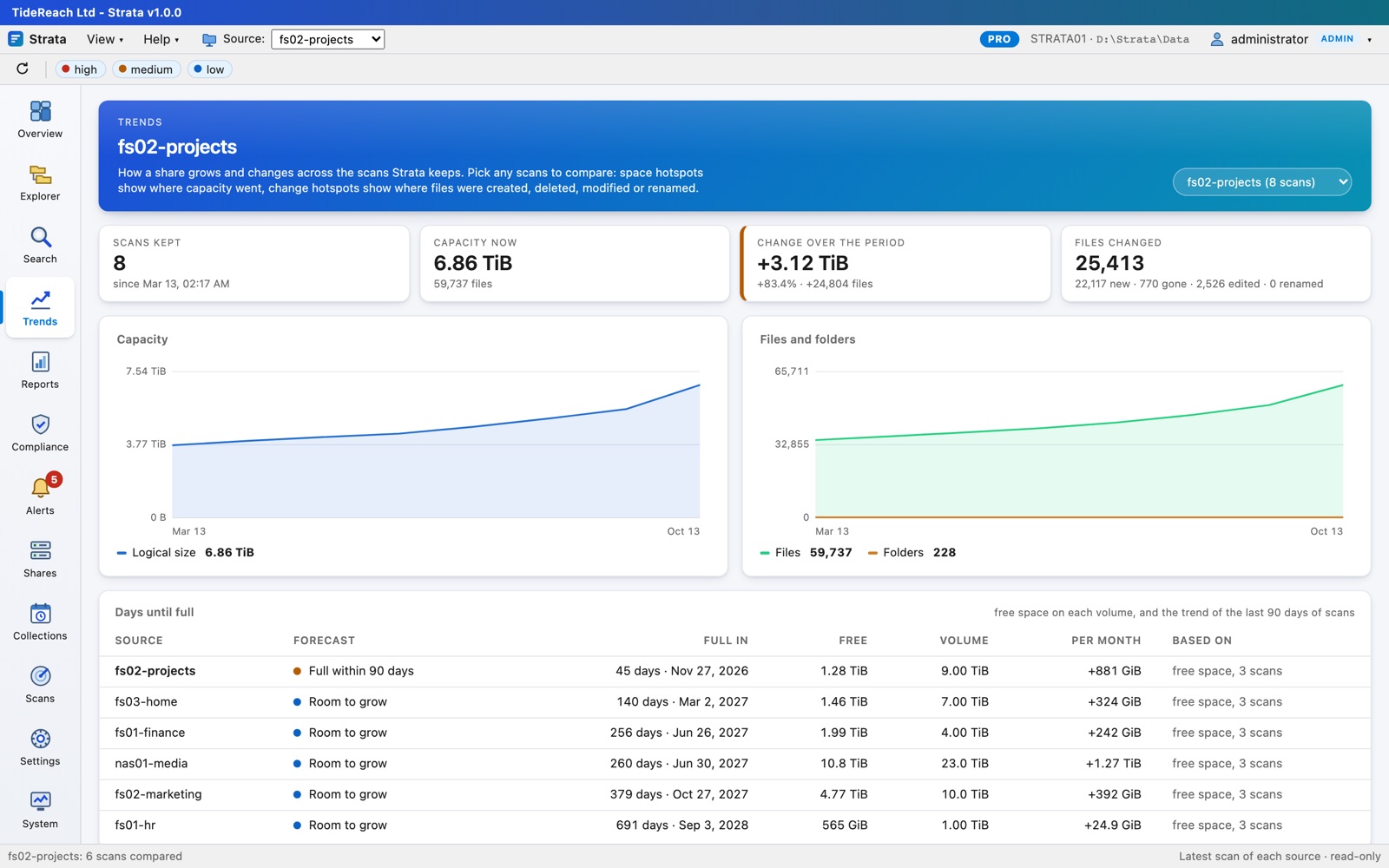
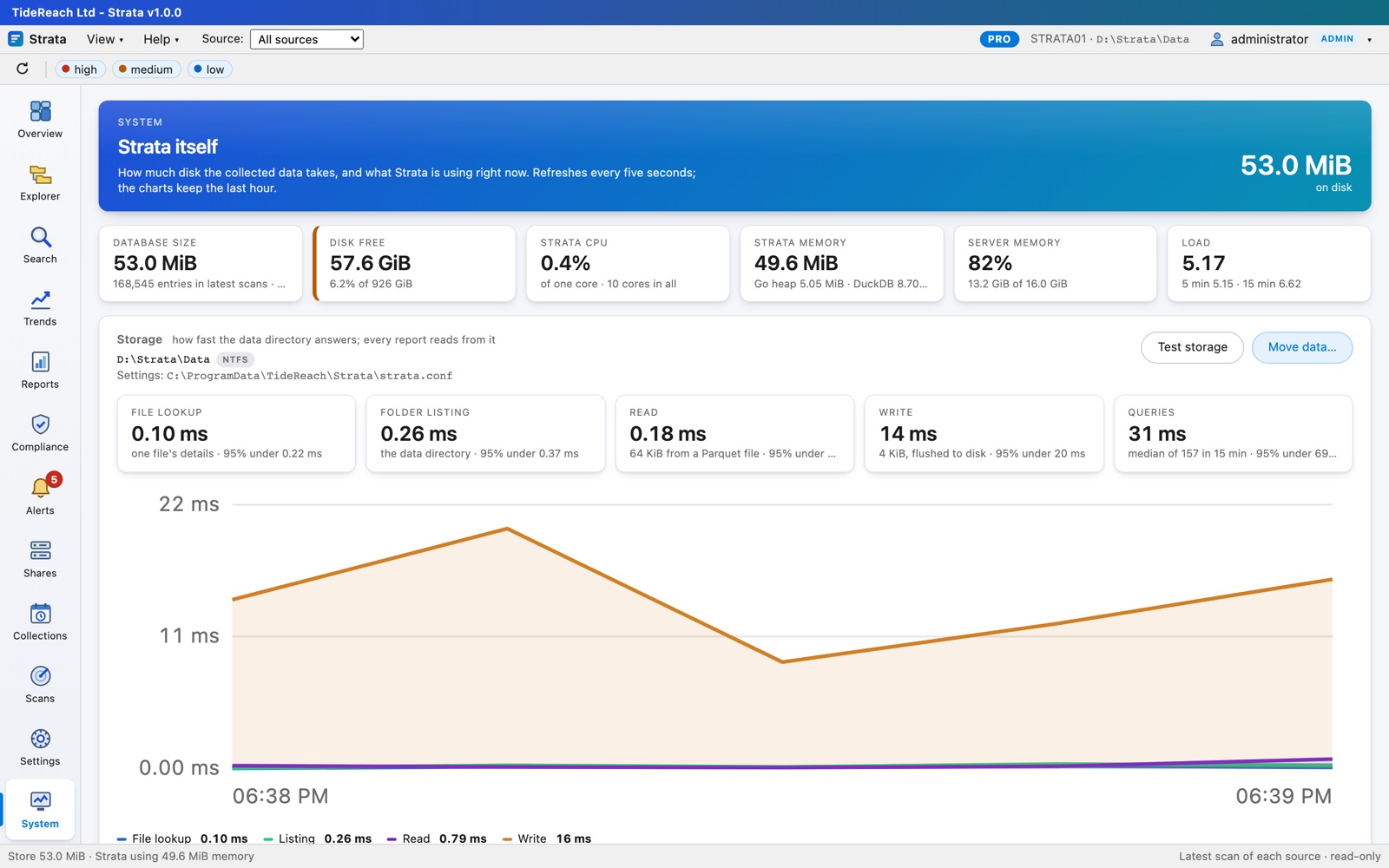
Roughly 60 to 120 bytes per file per scan kept, compressed. Ten million files with twelve scans kept is about 10 GB. The System page shows exactly what it uses and how fast its disk answers.
How is capacity counted for the licence?
As the total size of the latest scan of every source. Older scans kept for trends do not count. The Licence page in Strata shows how much you use against your licence at any time.
What happens if we go over, or the licence expires?
Nothing immediately. Strata warns and gives 30 days' grace. After that, new scans pause until a renewal or upgrade is installed. Everything already collected stays readable: you never lose access to your reports.
Do I need Active Directory?
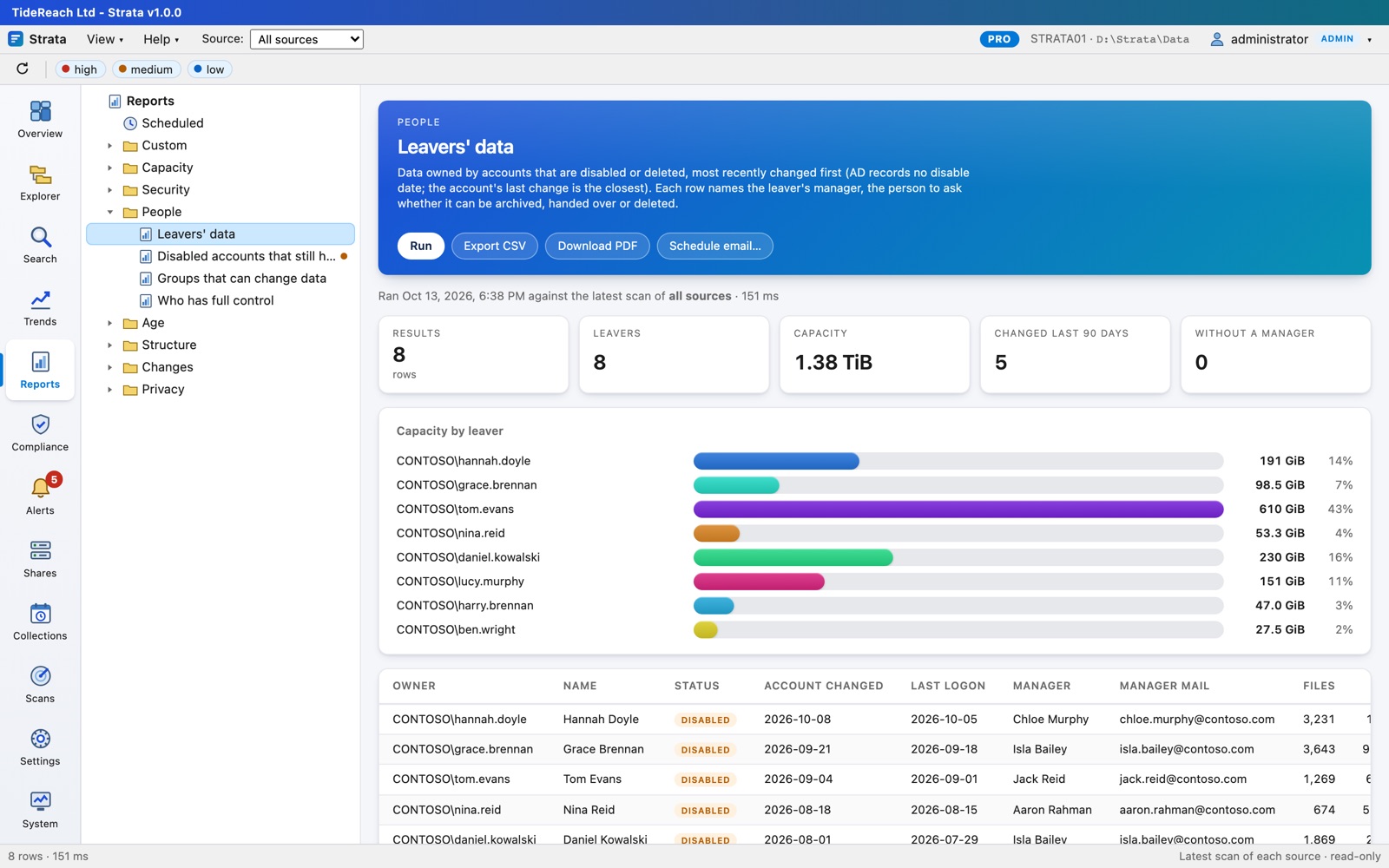
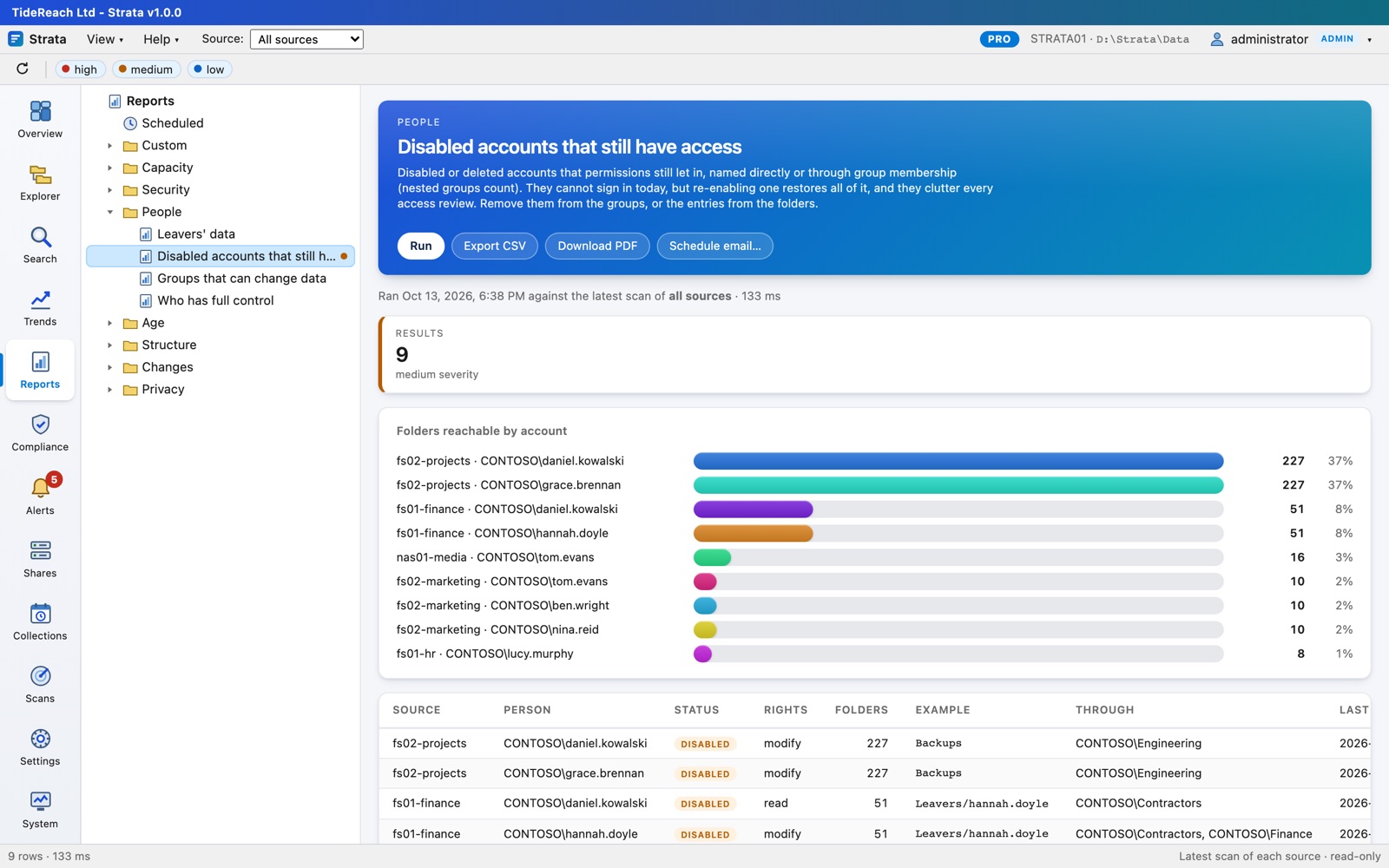
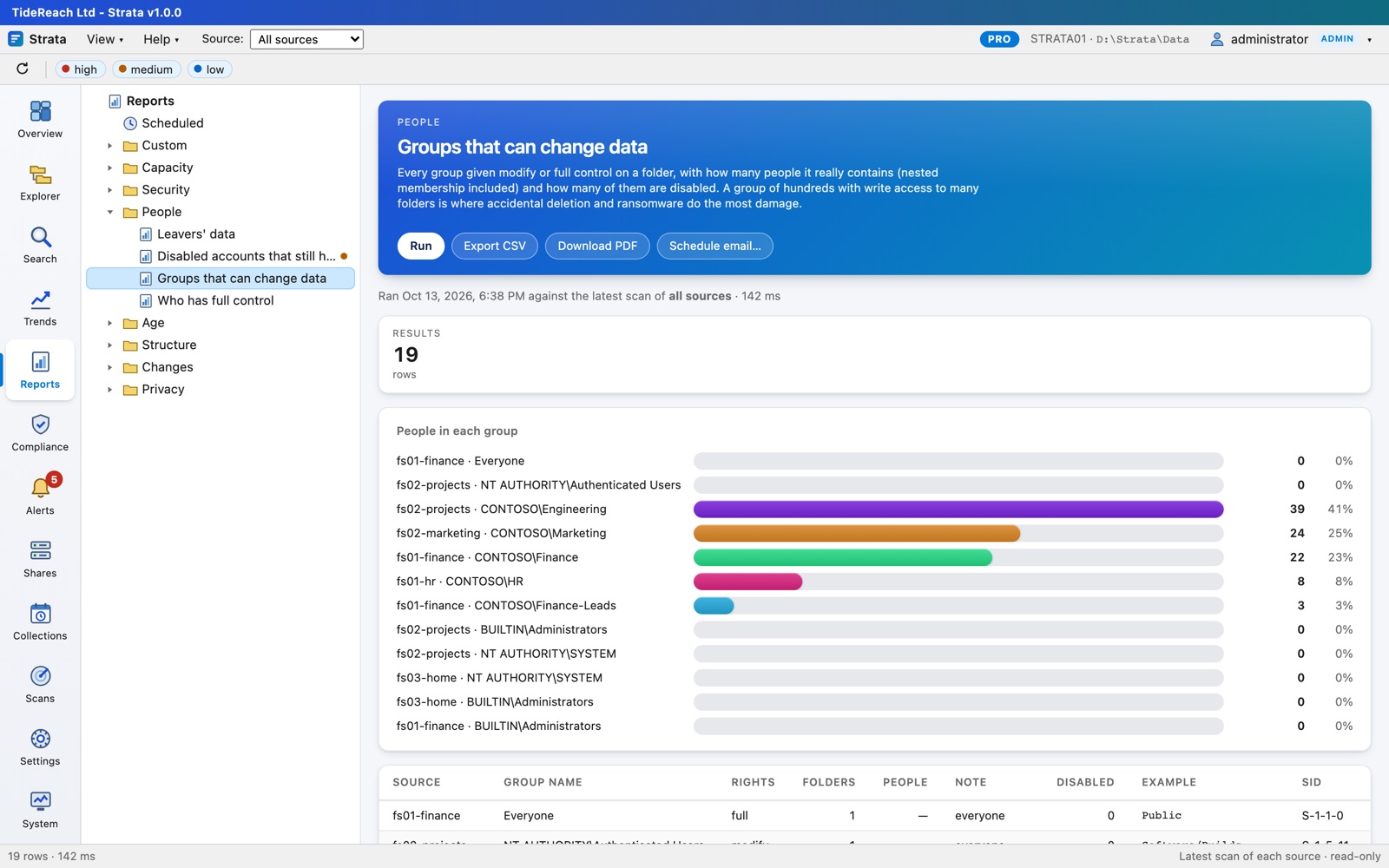
No, but you get much more with it: names instead of SIDs, nested groups expanded to people, disabled and deleted accounts flagged, managers for leavers' data, and sign-in with AD accounts. It reads AD over LDAPS or StartTLS with the same read-only account.
Can I move the licence to another server?
A key is issued for one installation. If you rebuild or replace the server, email us the new Installation ID from Settings, Licence and we will reissue the key for the rest of its term.
How do upgrades of Strata itself work?
Install the newer MSI, .deb or .rpm over the old one. Settings, data, licence and sessions are kept. Updates are included for the licence term.
 Strata by TideReach Ltd